
Your Security Scan Came Back With an F
Content Security Policy in Drupal
Drupal GovCon 2026
www.drupal-csp.net/pres/
Use arrow keys to move slides

John Brandenburg
Technical Architect
Web Page Test
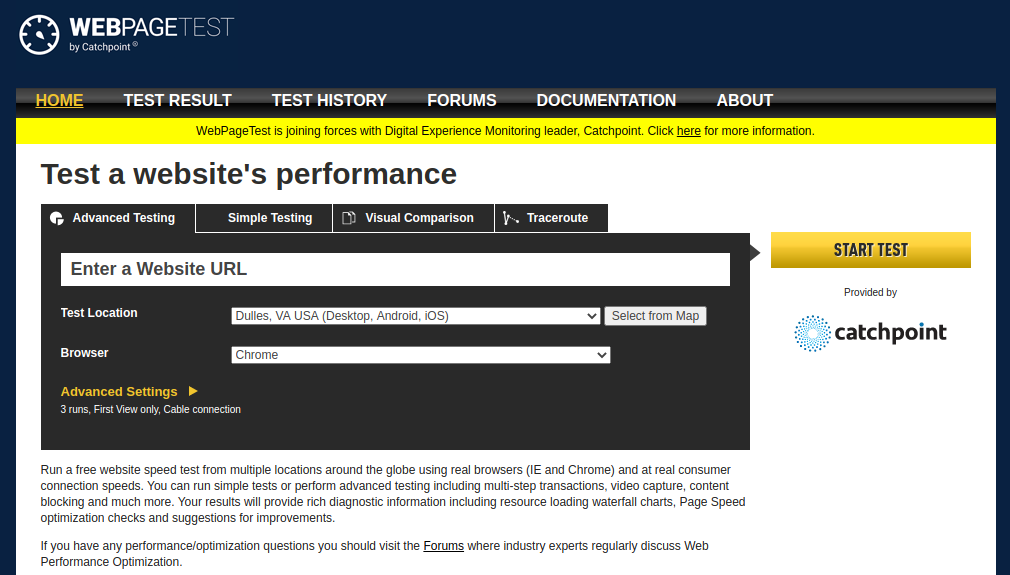
New Web Page Test
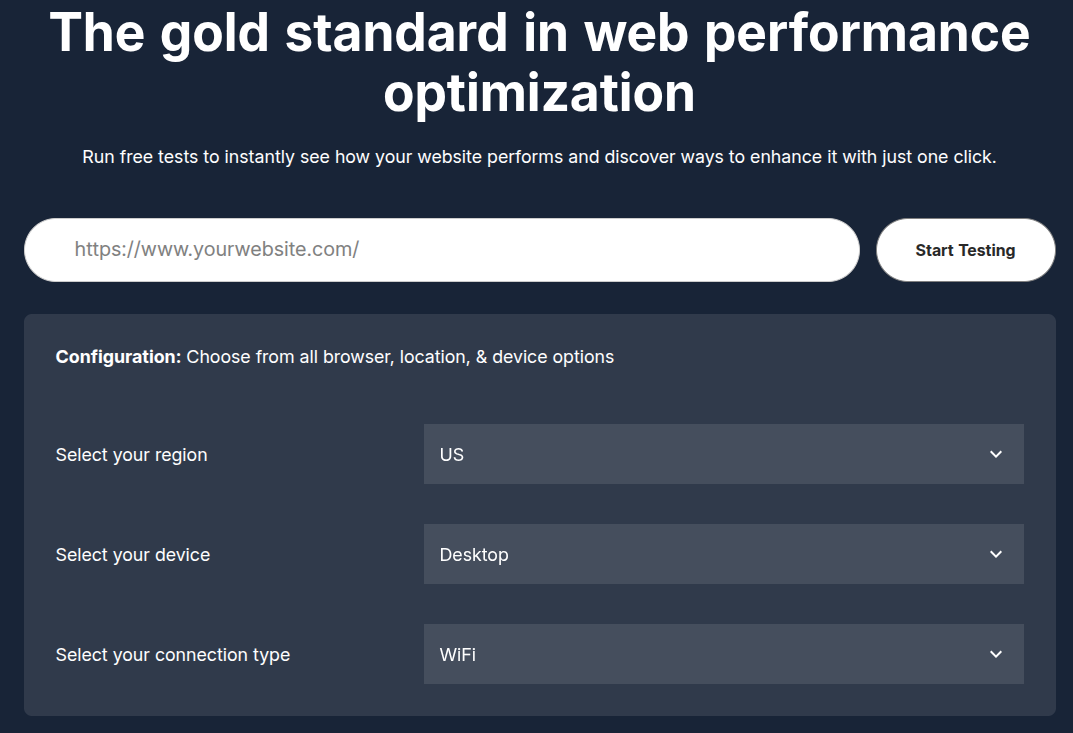
Security scores of recent sites (at the time)

The two findings behind most "F" grades
- Missing HSTS (Strict-Transport-Security)
- Missing Content Security Policy
Don't feel too bad

mail.google.com got an A+ though.
Judge your security posture by the needs of your site.
PII?
Finance?
HTTP Headers
What are HTTP Headers?
Little bits of information about the response you received from the server.
How do you see them?
See them in your Browser Tool's Network tab
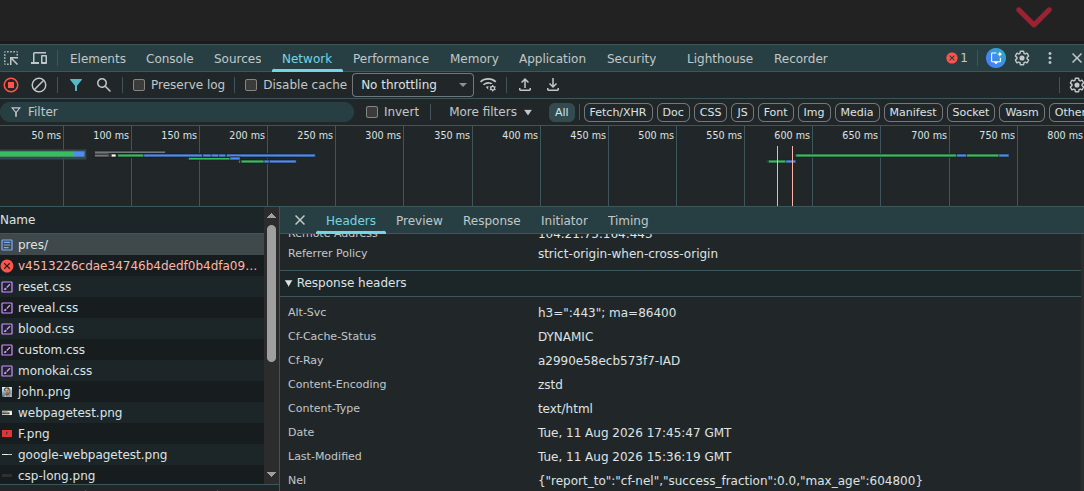
Or just use curl
$ curl -I https://www.drupal-csp.net/pres/
HTTP/2 200
date: Tue, 11 Aug 2026 17:49:51 GMT
content-type: text/html
...
What is HSTS?
A response header that tells the browser to always connect to that domain over HTTPS.
strict-transport-security:
  max-age=31536000; includeSubDomains; preload
Use https://hstspreload.org/ for validation and to register for preloading.
How can I set up HSTS?
In Drupal, the Security Kit module can do it. You can also set the header directly in PHP, or (better) at the web server / CDN layer.
Avoid slip-ups when adding redirects
Warning
Once a site sends HSTS, if you ever let the certificate expire, no one will be able to reach the site.
What is CSP?
A policy that defines the acceptable sources a page is allowed to load resources from.
Yeah, but what does that mean?
An HTTP header that…
Defines what sources can be used on a web page.
content-security-policy: default-src 'self';From here you add domains, nonces, hashes, protocols, and other options.
Why do I need a Content Security Policy?
British Airways breach (2018)
- ~380,000 card payments skimmed by injected JavaScript (Magecart).
- Initially fined £183m under GDPR — reduced to £20m in 2020.
A restrictive connect-src could have blocked the POSTs to the attacker's domain.
Hacking is automated now — someone may just want to install a cryptominer. No site is too small.
Directives
- default-src
- child-src
- connect-src
- font-src
- frame-src
- img-src
- manifest-src
- media-src
- object-src
- worker-src
- script-src
- script-src-attr
- script-src-elem
- style-src
- style-src-attr
- style-src-elem
- base-uri
- form-action
- frame-ancestors
- upgrade-insecure-requests
For details, see the CSP Quick Reference Guide and MDN.
Rules apply from specific to general
Browsers apply the most specific matching directive. If the specific one is absent, they fall back to the more general one.
Fallbacks stop at the first match
For a script attribute, the browser checks:
script-src-attr → script-src → default-src
The first directive present wins.
Sources are not merged.
No directive in the chain? CSP does not restrict that resource type.
The fallback trap
frame-src → child-src → default-src
content-security-policy:
  child-src 'self' td.doubleclick.net;
  frame-src 'self';
The DoubleClick iframe is blocked.
frame-src exists, so the browser stops there. Fix it by putting the exception in frame-src.
default-src isn't universal
It is a fallback for fetched resources, not every CSP rule.
default-src 'self';
form-action 'self';
base-uri 'self';
frame-ancestors 'self';
Set the last three explicitly. Without form-action, an injected form may still submit off-site.
Spec: default-src
object-src 'none'
<object> and <embed> can execute scripts.
script-src does not govern them.
object-src 'none';Always enable default-src as a fallback…
…which is not on by default in the Drupal CSP module. Turn it on.
Report-only mode
Lets you see what would be blocked, without blocking it.
content-security-policy-report-only: default-src 'self';Your best friend for rolling CSP out incrementally.
Key features in CSP
Source-list keywords
- 'none'
- 'self'
- 'unsafe-inline'
- 'unsafe-eval'
- 'unsafe-hashes'
'unsafe-inline'
content-security-policy: script-src 'self' 'unsafe-inline';Allows inline scripts/styles — i.e., anything inside a <script> tag or an "onclick" handler.
Weak — but still better than no CSP at all as a starting point.
<div style="background-image: url('...')">
CSP blocks that inline style attribute unless you allow 'unsafe-inline' (or a matching hash with 'unsafe-hashes').
Hashes
content-security-policy: script-src 'sha256-B2yPHKaXnvFWtRChIbabYmUBFZdVfKKXHbWtWidDVF8='Allow-list a specific inline script or style by the base64-encoded SHA hash of its contents.
Note: adding any hash or nonce to script-src makes the browser ignore 'unsafe-inline' (a feature, not a bug).
The hash gotcha
Plain hashes (and nonces) only apply to elements — <script> / <style> blocks.
They do not cover inline event handlers (onclick=) or inline style="" attributes…
'unsafe-hashes'
content-security-policy: script-src 'unsafe-hashes' 'sha256-...';Lets a hash cover an inline event handler or style attribute — closing the gap from the last slide.
Still "unsafe," but safer than 'unsafe-inline'. Better fix: remove the inline handler/attribute entirely.
Nonces
<script nonce="ABC123">…</script>content-security-policy: script-src 'nonce-ABC123'Allow-list inline code by an arbitrary, server-generated string. Generate a fresh nonce on every request.
MDN: script-srcDon't use static nonces.
A nonce that never changes is just a password the attacker can read — it defeats the purpose.
Hashes and nonces are tedious to manage by hand…
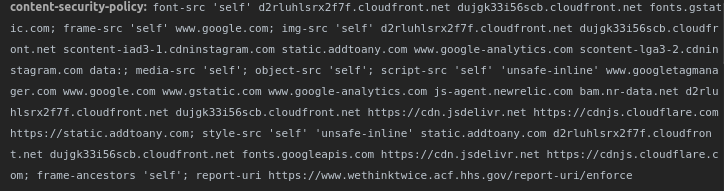
…and easy to get wrong. (I forgot to set default-src here.)
Rule of thumb
- Nonces when you can generate markup dynamically. Works with Dynamic Page Cache.
- Hashes when the content is static / cached and you can't inject a per-request nonce.
How do you set a CSP?
By hand is unsustainable. A real CSP needs to be dynamic (fresh nonces, per-page sources). That's the challenge — and why you want a module.
CSP in Drupal
There's a module for that.
The CSP Module
Use the CSP module — it builds the policy dynamically and integrates with Drupal's asset system.
Prefer it over Security Kit for CSP specifically.
Modules
- Content Security Policy (drupal/csp) — builds the policy and supports nonces.
- Reporting API (drupal/reporting) — adds
Reporting-Endpointsandreport-to. - Attach Inline — for when you genuinely need inline JS, attached the right way.
Your header is not your config
csp.settingsexported config
*.libraries.ymlexternal asset hosts
POLICY_ALTER Event Subscribermodule additions
#attachedmodule additions
↓
Live CSP response header
Only the first source appears in exported config.
So header is the only source of truth
$ curl -Is https://www.drupal-csp.net/ | grep -i content-security-policy
content-security-policy: default-src 'self'; font-src 'self' fonts.googleapis.com fonts.gstatic.com; frame-src 'self' www.youtube.com w.soundcloud.com; img-src 'self' data: pbs.twimg.com static.addtoany.com; script-src 'self' static.addtoany.com; style-src 'self' fonts.googleapis.com fonts.gstatic.com static.addtoany.com; frame-ancestors 'self'
And if curl shows you two policies…
Both are enforced. The effective policy is their intersection, not their union — a resource must be allowed by every policy in force.
*Can happen if your CDN and Drupal both set a CSP.
Put the policy in code
Keep each source with the code that needs it.
*.libraries.yml— external library URLsPOLICY_ALTERsubscriber — global or conditional changes#attached['csp']/csp_hash— per render element
Altering a site's policy — drupal.org
An event subscriber
class EventsCspSubscriber implements EventSubscriberInterface {

  public static function getSubscribedEvents(): array {
    return [CspEvents::POLICY_ALTER => 'onPolicyAlter'];
  }

  public function onPolicyAlter(PolicyAlterEvent $event): void {
    // ABC-123: the events calendar embeds Eventbrite widgets.
    // Owned by Marketing. Remove when the calendar is retired.
    $event->getPolicy()->fallbackAwareAppendIfEnabled(
      'script-src', 'https://www.eventbrite.com'
    );
  }

}The important part is the comment
A host added in the admin UI is an undocumented string in a YAML file. Six months later nobody knows what it's for — and nobody dares delete it.
The same host added here is in version control, next to the reason, reviewed in a pull request, and deployed with the code that needs it.
It also can't drift. There's no active-config copy to diverge from config/sync.
fallbackAwareAppendIfEnabled()
The safe default for adding a source.
$policy->fallbackAwareAppendIfEnabled(
  'script-src', 'https://www.eventbrite.com'
);- Directive exists? Append to it.
- Fallback exists? Copy the nearest, then append.
- Neither exists? Do nothing.
The other policy methods
appendDirective()— append directly; create the directive if needed.setDirective()— replace the directive outright.isReportOnly()— distinguish the enforced and report-only policy events.
Themes use hook_csp_policy_alter(). Modules should subscribe to CspEvents::POLICY_ALTER.
Or attach it to the thing that needs it
$element['#attached']['csp']['img-src'] = ['https://cdn.example.com'];

// For inline code you genuinely can't remove:
$element['#attached']['csp_hash']['script-src-elem'] = [
  $hash => [Csp::POLICY_UNSAFE_INLINE, 'https://cdn.example.com'],
];
The source travels with the render element, so it's only in the policy on pages that actually use it — and it leaves the policy when the component does.
This is also the module-native answer to "I have inline JS I can't remove," alongside Attach Inline.
Google's GTM guidance is much clearer now
Google documents the loader and the destinations required by each tag family.
- Recommended loader: a per-response nonce.
- Then allow the
img-src,connect-src, andframe-srcdestinations your tags use.
What does Drupal's Google Tag module do?
google_tag 2.0.9 adds Google hosts to img-src and connect-src — but not everything GTM can load.
For now: manually add every destination loaded by your GTM container to the appropriate CSP directive.
Google Tag issue #3203811 — the patch needs testing; hopefully a release soon.
GTM is a hole in your change control
GTM can change what your site loads without a Drupal deployment.
Google Ads tag → ad.doubleclick.net → blocked by connect-srcNo PR. No deploy. No notice.
Google documents the required hosts now — but the container can still change underneath your policy.
CSP reporting in Drupal
drupal/csp alone → report-uri
drupal/csp + drupal/reporting
→ report-to + report-uri
report-uri is deprecated
The Reporting API module is the new standard.
report-to + report-uri
reporting-endpoints: csp-endpoint="https://example.com/report"
content-security-policy:
  default-src 'self';
  report-to csp-endpoint;
report-uri https://example.com/report;Demo: no CSP
Everything is allowed. Nothing is blocked or reported.
Demo: report-only CSP
Apply default-src 'self' without blocking anything. Violations still appear in the console.
Demo: enforced CSP
Enforce the same policy. External and inline content now breaks.
Demo: 'unsafe-inline'
Restore inline scripts and styles broadly—and see why this shortcut weakens the policy.
Demo: hashes
Allow only inline blocks whose exact contents match a listed hash.
Demo: nonces
Compare nonce-tagged code with untagged inline code that remains blocked.
Demo: violation reporting
Send report-only violations through both report-to and report-uri.
We've just set up a mock report uri here.
Demo: child-src fallback
No frame-src: iframes fall back to child-src and load.
Demo: the fallback trap
Add frame-src 'self': fallback stops, so the same third-party iframes are blocked.
Demonstration — the unexpected directives
The advanced demo — each case changes one directive against the same baseline.
- form-action absent → set — data leaves the site under
default-src 'self' - base-uri absent → 'none' — one tag reroutes every URL
- frame-ancestors absent → 'none' — clickjacking
- object-src absent → 'none' — script execution
script-srccan't see - script vs connect-src — an allowed script's beacon still dies
- worker via child-src → worker-src 'none'
- script-src-attr vs -elem · sandbox
- two CSP headers — intersection, not union
Questions & Discussion
How many "ums"?
